
Original price was: $358.99.$96.99Current price is: $96.99.
- No-Questions-Asked Returns
- Guaranteed High Quality
- Top-Notch Quality
- Online assistance, always just a message away.

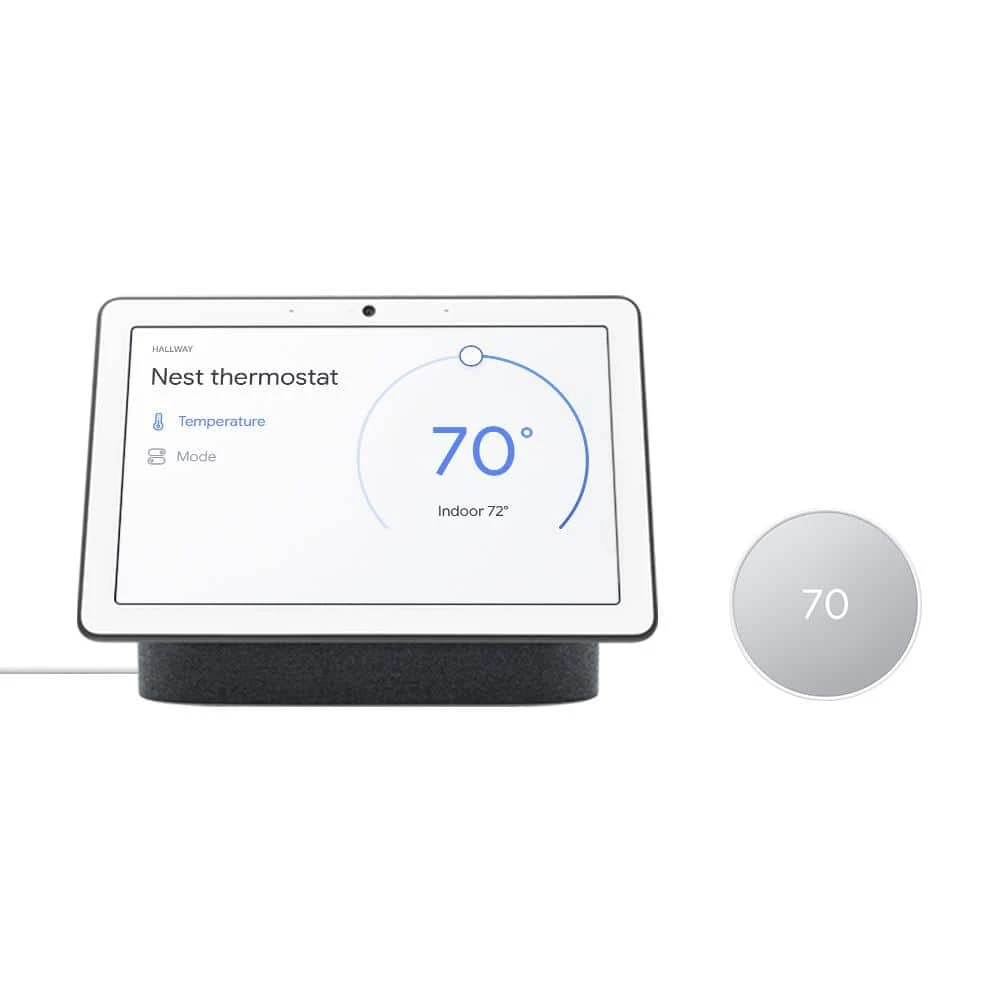
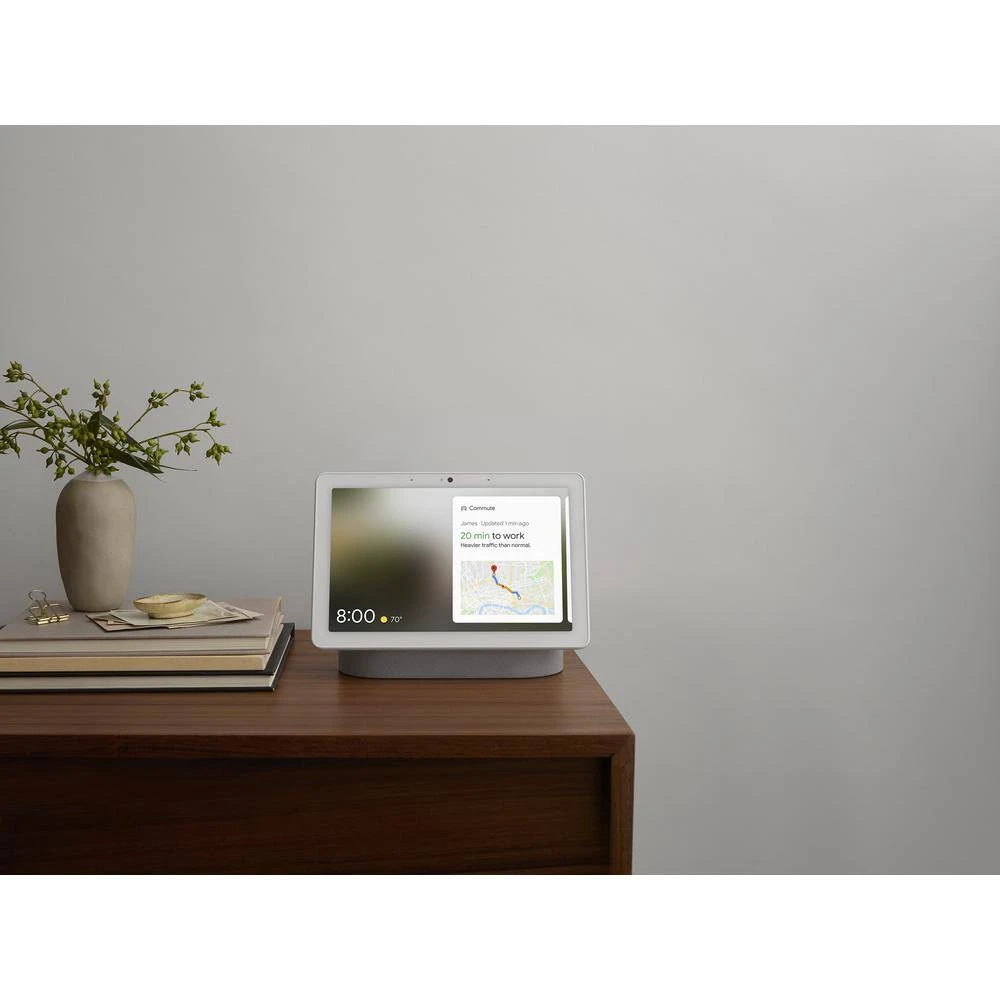
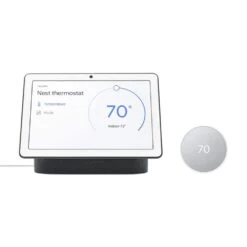
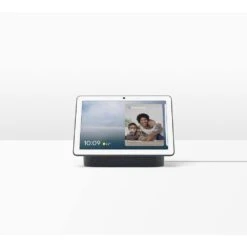
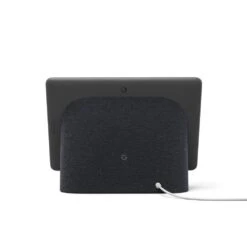
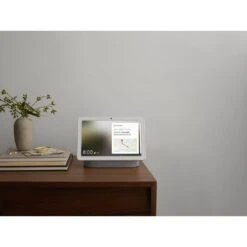
Pair the Google Nest Hub Max 10 in. smart display with built-in Nest Cam and the Nest Thermostat together for easy-to-use home control and comfort. You can control your Nest Thermostat through the Google Home App with your voice with Google Assistant or using the Nest Hub Max dashboard. Just say in. Hey Google, turn the thermostat up to 72 °. in. 1.
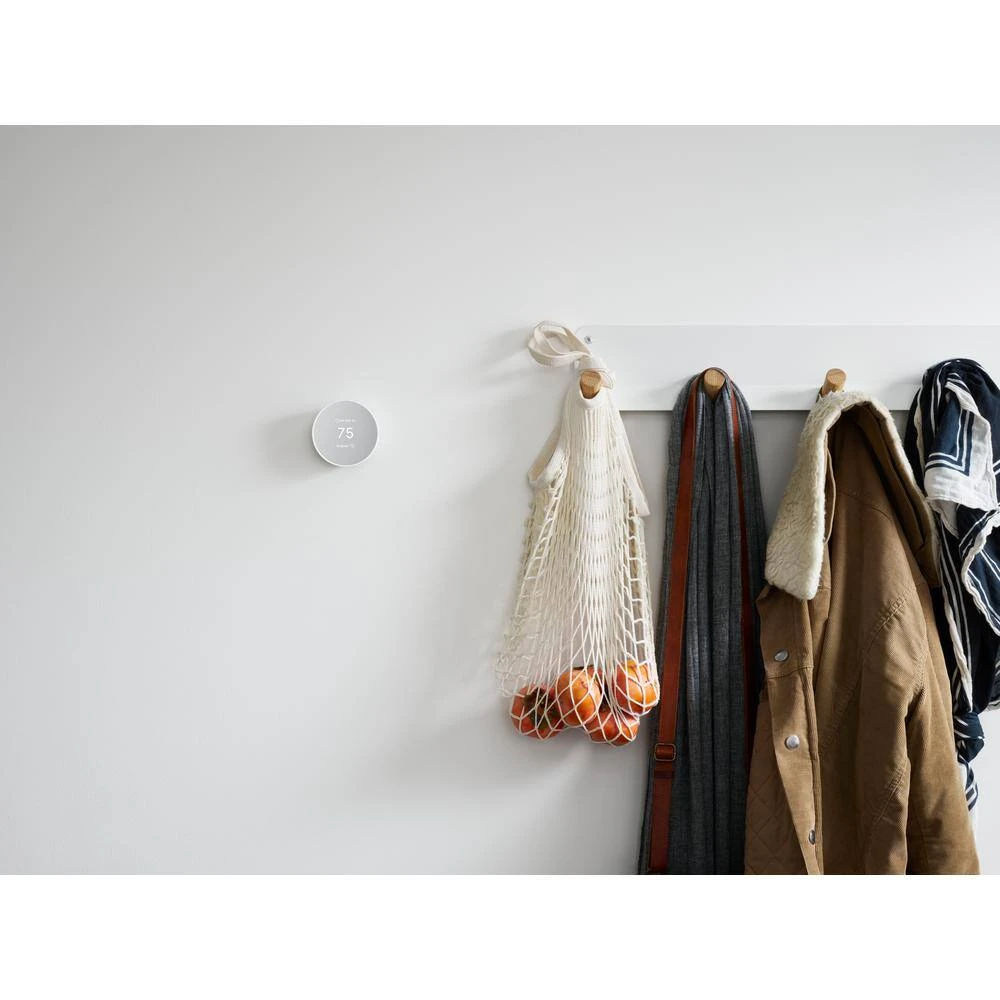
- So many ways to save the nest thermostat helps you save energy it can turn itself down when you leave the house, so you don’t waste energy heating or cooling an empty home and with savings finder, it looks for ways to help you save even more
- Control from anywhere with the Google Home app, you can control your smart thermostat from wherever you are whether you’re on the couch or away from home2
- Heating and cooling system care your smart thermostat can monitor your heating and cooling system and alert you if something doesn’t seem right 3 it can also send helpful reminders, like when it’s time to replace your filter
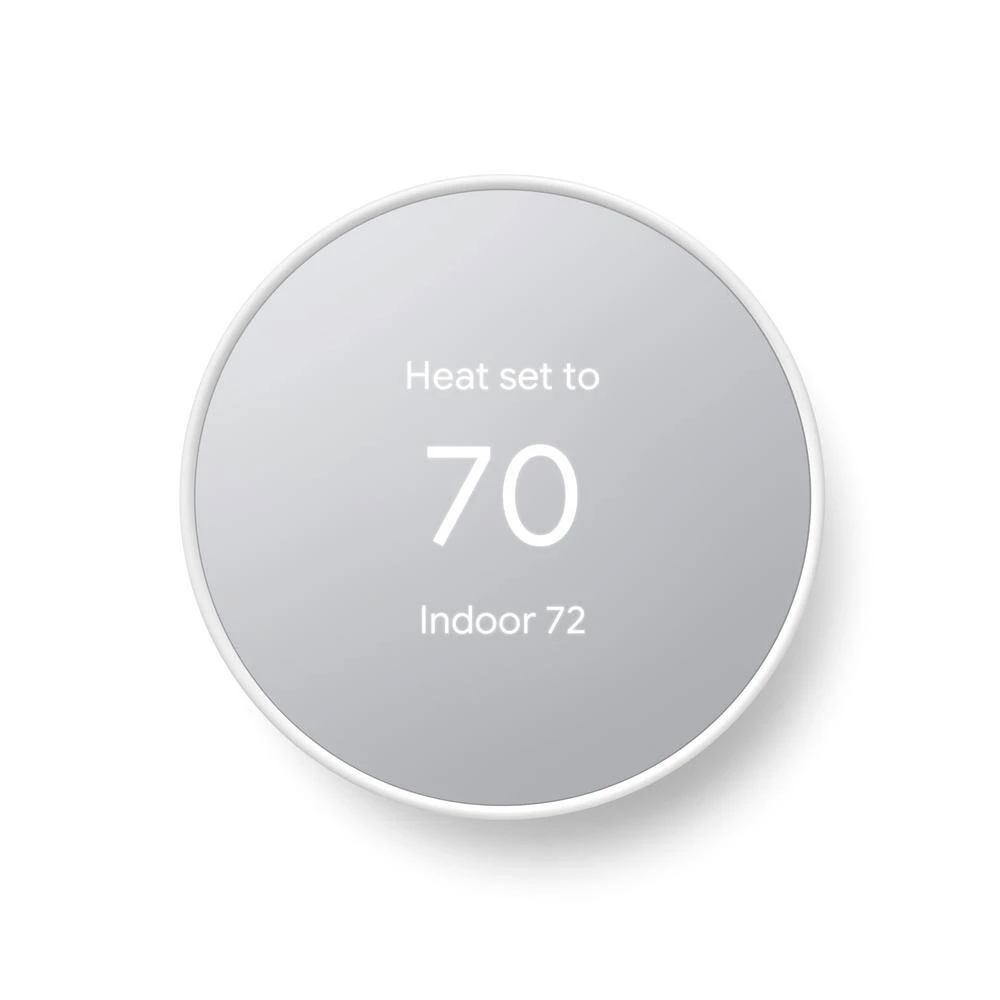
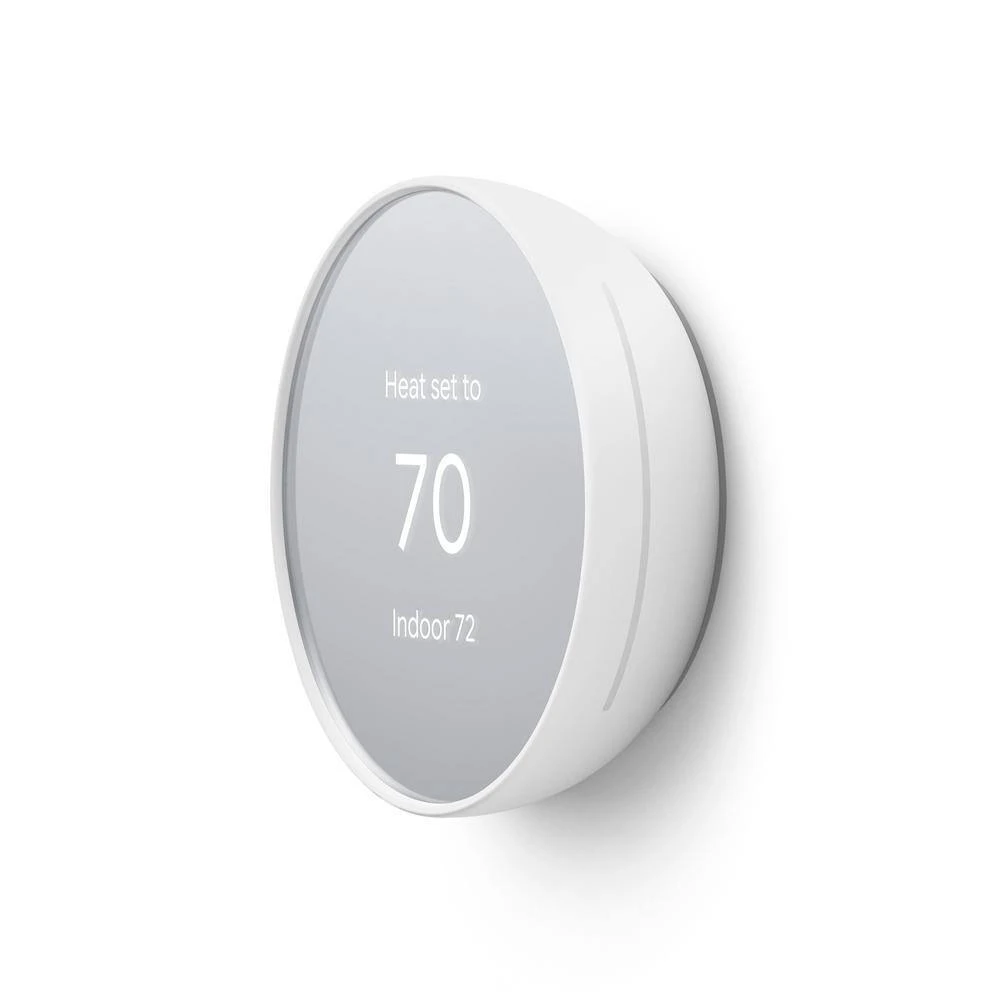
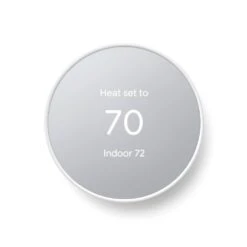
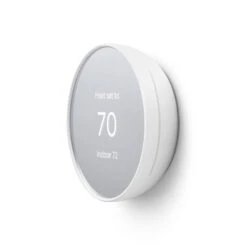
- Easy to install and use it’s designed so you can install it yourself, usually in 30-minutes or less just follow the simple steps in the Google Home app to quickly create a schedule that’s right for you and to change the temperature, just swipe the touch bar on the side or use the app
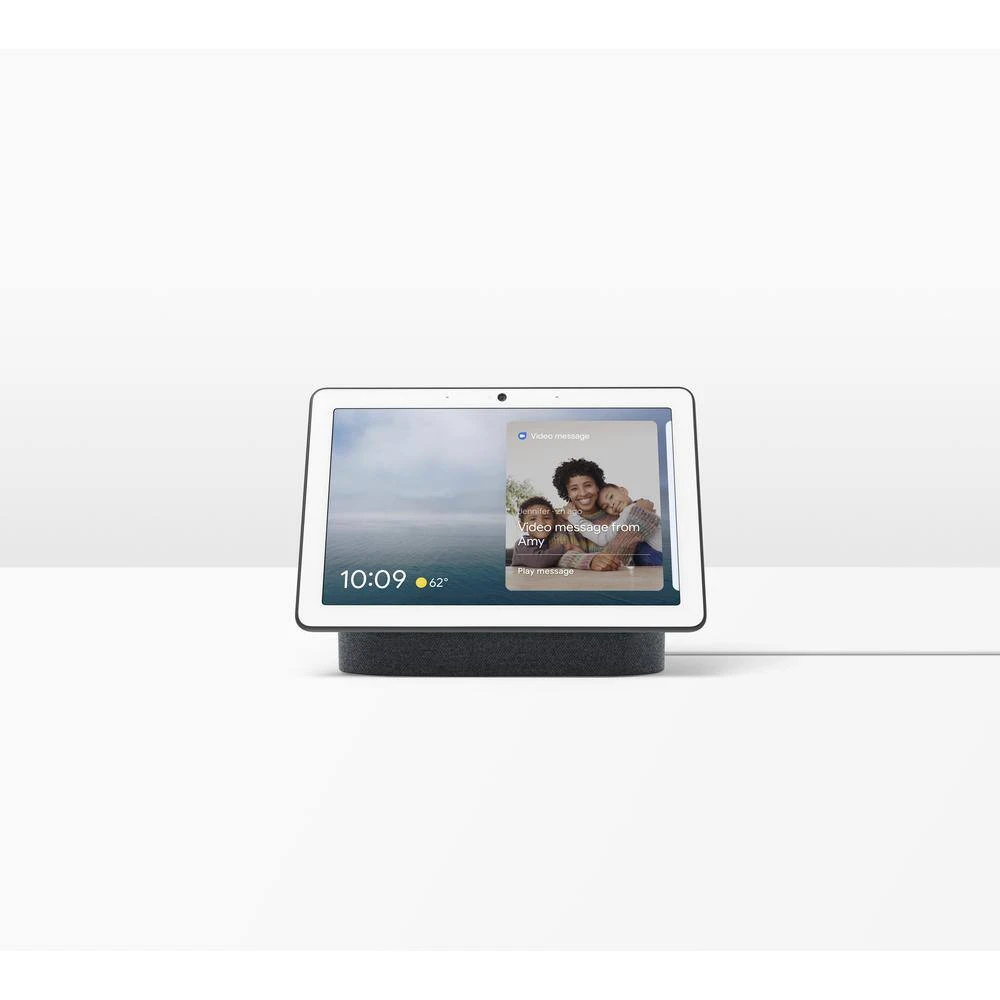
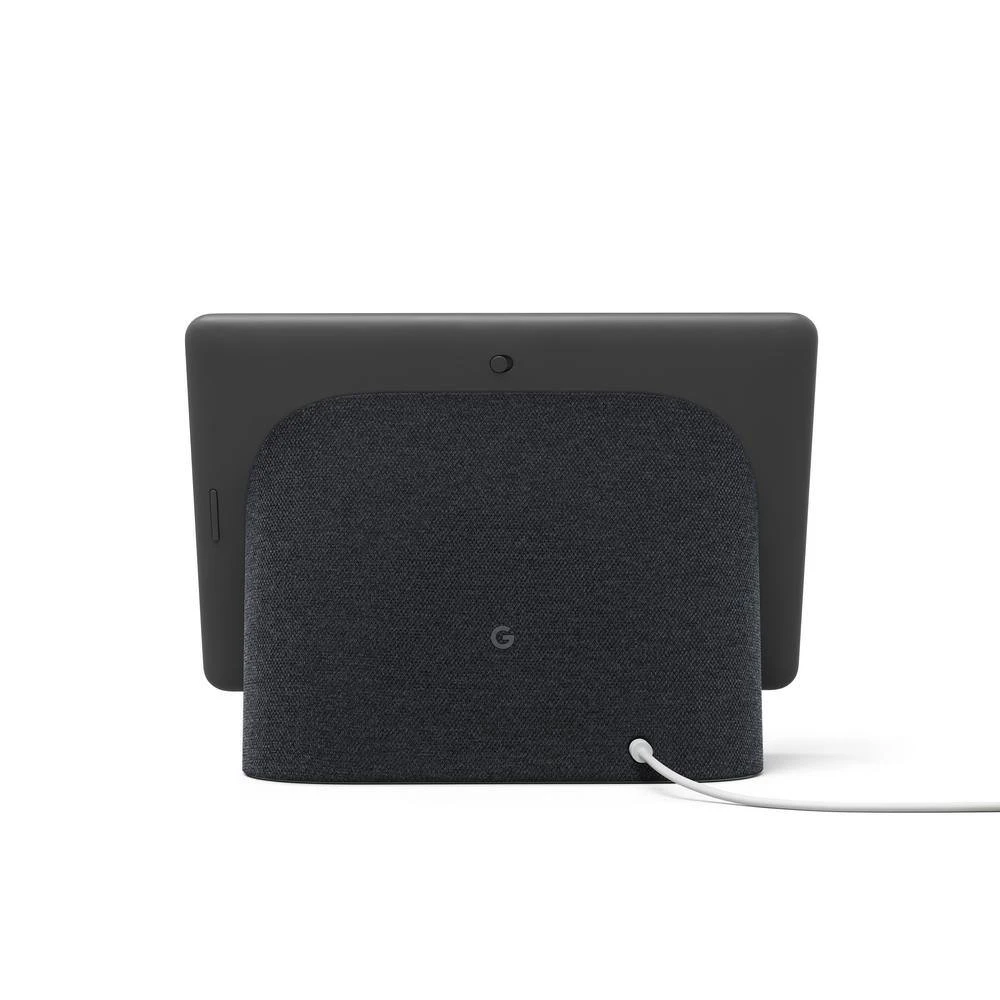
- Hey google, make it easier google nest hub max helps your busy family stay in touch and on track and with the google assistant, you don’t have to lift a finger just use your voice
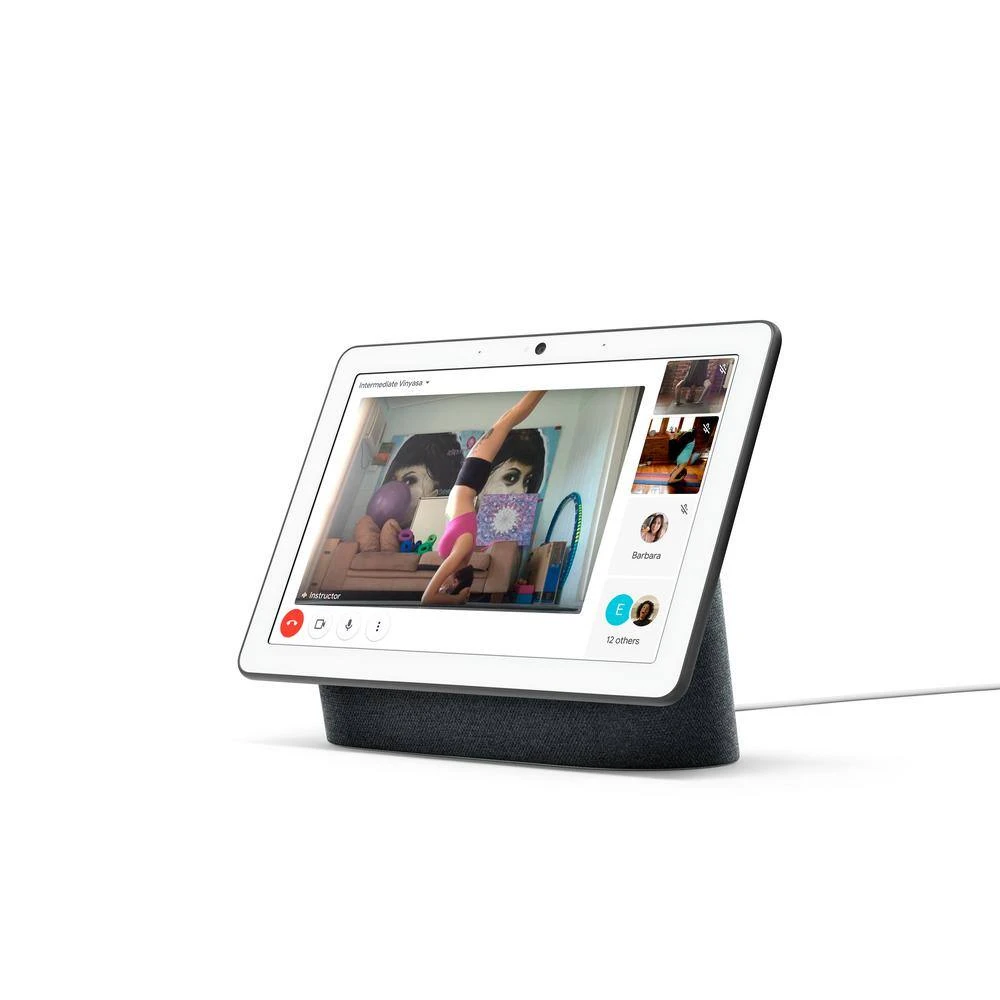
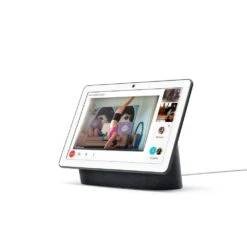
- Keep everyone connected make video calls to friends and family you can also leave video messages for each other on nest hub max, 4
- Stay in touch and in sight multitask while you make video calls with auto-framing the camera keeps you in view as you move around the room
- Check in on home when you’re away. keep an eye on things at home with the built-in nest cam, 5 check in from your phone and get motion and sound alerts
- Legal: 1, voice control with Google Assistant requires a compatible smart device, 2, remote control and mobile notifications require working internet and Wi-Fi, 3, we provide alerts to notify you of a potential issue with your HVAC system, our goal is to provide helpful information, but we make no endorsement, representation or warranty of any kind about the health of your HVAC system, alerts aren’t intended to replace a diagnosis by a qualified HVAC professional, 4, to make video calls or send video messages, you need a Google Duo account, 5, night vision is not supported
- Control your thermostat from wherever with the Google Home App
- Designed so you can install it yourself in 30-minutes or less
- Shop all u003ca href=
- u003cvalue src=
- u003ca href=
| Battery Power Type | Alkaline |
|---|---|
| Battery Size | 1.5-volt,AAA |
| Color Family | White |
| Color/Finish | Snow |
| Control Type | Dial,Phone Controlled |
| Features | Backlit Display,Battery Back-Up,Filter Indicator |
| Heating & Cooling System Type | 2 Stage |
| Included | Batteries,Display Base,Mounting Hardware |
| Pack Size | 1 |
| Periods per Programmable Day | 96 |
| Power Options | Hardwired |
| Remote Access | Remote Access |
| Requires Hub? | No Hub Required |
| Returnable | 90-Day |
| Shape | Circular |
| Smart Home | Smart Home Enabled |
| Smart Home Protocol | Bluetooth,Weave,Wi-Fi |
| Smart Technology | Smart Home Hub Compatible,Smart Phone/Android App Compatible |
| Thermostat Compatibility | Universal |
| Thermostat Product Type | Smart/Wi-Fi |
| Thermostat Shape | Round |
| Thermostat Type | Heating and Cooling |
| Voice Control Hub Required | No Hub Required for Voice Control |
| Voltage (V) | 24 V |
| Voltage Type | Line Voltage |
| Wire Configuration | 3-Wire |
| Works With | Alexa, Google, Google Assistant, Homey |
| Certifications and Listings | Energy Star |
| Manufacturer Warranty | 1 year |
| Display height (in.) | 2.4 in |
| Display width (in.) | 2.4 in |
| Product Depth (in.) | 3.30 in |
| Product Height (in.) | 1.07 in |
Be the first to review “Google Nest Thermostat Snow Plus Nest Hub Max 10 In. Smart Display Charcoal”
Related products
Programmable Thermostats
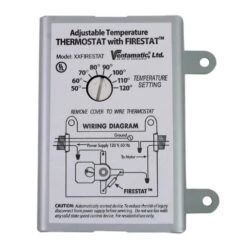
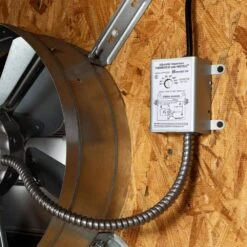
Adjustable Thermostat With Firestat For Power Attic And Exhaust Fans

Programmable Thermostats
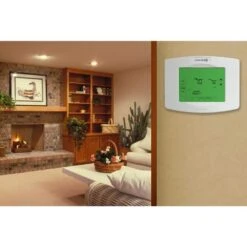
Z-Wave 7-Day Programmable Thermostat With Touchscreen Display, Wi-Fi, And Auto Changeover
Programmable Thermostats
Programmable Thermostats
Programmable Thermostats

Programmable Thermostats
Thermostat 7-Day Programmable, Double Pole 120/208/240-Volt 15 Amp

Programmable Thermostats
Emerson P150, 5+2 Programmable, Single Stage (1H/1C) Thermostat

Programmable Thermostats
Exhaust Fan Smart Remote Control Kit With Thermostat Humidistat Speed Controller, White
Reviews
There are no reviews yet.